
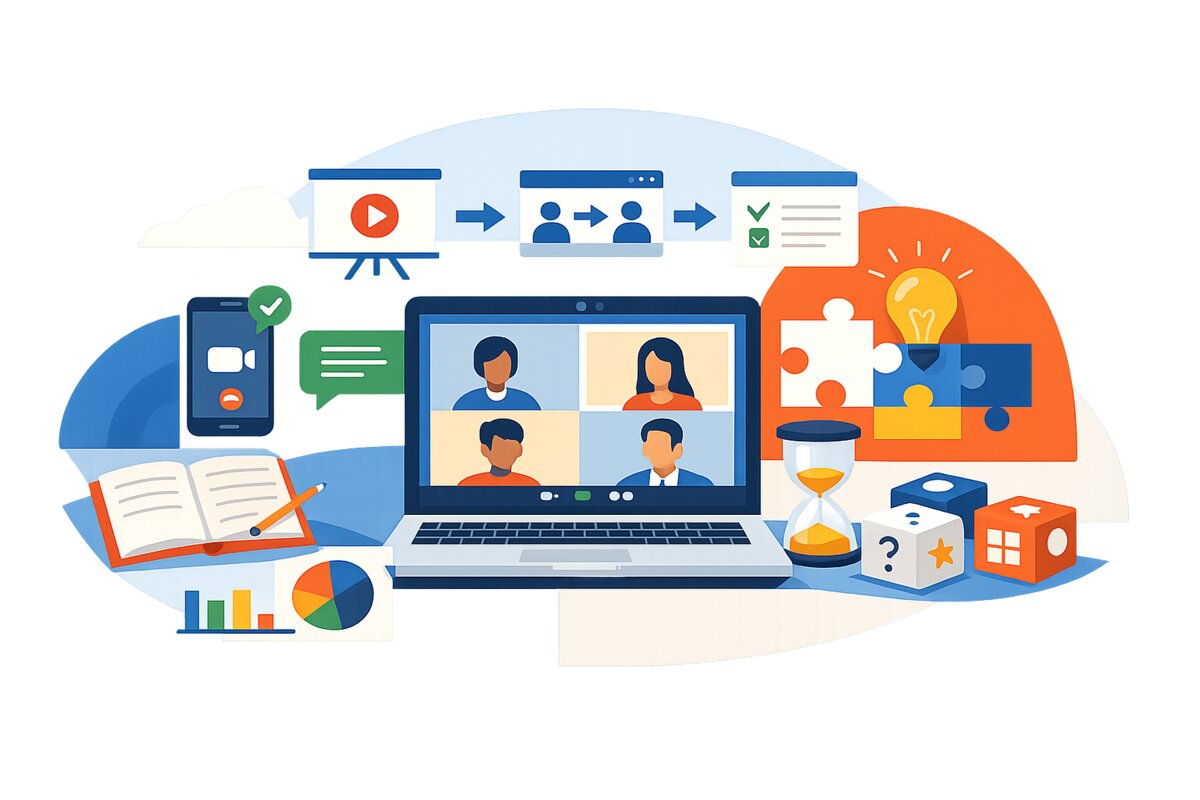
In the wake of the COVID-19 pandemic, online learning has become a popular and necessary mode of education. Zoom is one of the most popular online learning platforms, but keeping students engaged in a virtual classroom can be challenging. As a modern-day teacher, you must know about what Zoom is and how to engage students on Zoom.
What is Zoom Application?
Zoom is a video-conferencing application that allows users to host and attend online meetings, webinars, and virtual events. The application was first released in 2011 by Zoom Video Communications, Inc., and has since become widely used for remote work, online education, and social gatherings.
Zoom offers a range of features, including video and audio conferencing, screen sharing, recording, virtual backgrounds, and real-time chat. The application can be used on desktop and mobile devices and is compatible with various operating systems, including Windows, Mac, iOS, and Android.
With Zoom, users can schedule and join meetings with just a few clicks, making it an easy and convenient way to connect with colleagues, friends, and family from anywhere in the world. Zoom has become especially popular in recent years due to the COVID-19 pandemic, forcing many people to work and socialize from home.
Tips to Engage Students on Zoom
Use Interactive Tools
One effective way to engage students on Zoom is by using interactive tools. These can include interactive whiteboards, virtual breakout rooms, polls, and quizzes. By incorporating these tools into the online classroom, teachers can create a more dynamic and engaging learning experience for students.
Build Relationships
Another important strategy for engaging students on Zoom is to build relationships. It involves getting to know each student individually, creating opportunities for student-led discussion, and providing personalized feedback. When students feel seen and valued, they are more likely to be engaged and invested in their learning.
Create a Structured Learning Environment
A structured learning environment is crucial in engaging students on Zoom. It involves establishing clear expectations for behavior and participation, creating a predictable routine for class meetings, and providing consistent feedback on student progress. When students know what to expect, they will feel comfortable and engaged in learning.
Provide Feedback
Providing feedback is an essential part of engaging students on Zoom. It involves giving feedback on student work and their participation and engagement in class. When students receive specific, constructive, and timely feedback, they are more likely to feel motivated and invested in their learning.
Use Visuals
Using visuals is another effective strategy for engaging students on Zoom. It includes incorporating images, videos, and other multimedia into presentations and using visual aids such as charts, diagrams, and graphs. Students are more likely to stay focused and engaged in the learning process when presented with visual information.
Encourage Active Participation
Encouraging active participation is key to engaging students on Zoom. Active participation can involve creating opportunities for students to share their ideas and perspectives and asking open-ended questions that facilitate discussion and debate. When students actively engage in the conversation, they are more likely to be invested in their learning and retain information.
What are the Important Benefits of Attending Online Classes?
With the advancement of technology, online classes have become a popular and convenient mode of education. Here are some of the significant benefits.
Accessibility
One of the key benefits of online classes is accessibility. Online courses allow students from all over the world to access high-quality education without the need for physical relocation. It makes education more accessible for students living in remote areas or with limited mobility.
Flexibility
Another essential benefit of online classes is flexibility. It makes education more accessible for students with work or family obligations that make it difficult to attend traditional classes.
Cost-Effectiveness
Online classes eliminate the need for students to pay for transportation, housing, and other expenses associated with attending traditional classes. Students with limited financial resources will never have to worry about money as it provides a cost-effective solution for everyone.
Personalized Learning
Online classes also offer personalized learning opportunities. Online classes allow students to access various educational resources and engage with instructors and peers in various ways. Personalization makes it easier for students to tailor their learning experience to their needs and preferences.
Enhanced Technology Skills
Online classes can also enhance students’ technology skills. Online classes require students to use various digital tools and platforms, which can help improve their proficiency with technology. It is a critical skill in today’s digital world and can enhance students’ employability in various fields.
Improved Time Management
Online classes can also improve students’ time management skills. Online classes require students to manage their schedules and to complete assignments on their own time. It requires students to develop strong time management skills, which can be valuable in their academic and professional lives.
Conclusion
The topic of how to engage students on Zoom is important for every modern-day teacher. With the proper knowledge of the benefits and best engagement methods, you can give your students adequate attention in the classroom. Due to the pandemic, the education system in almost every county has virtually changed. Online is an effective way that provides teachers and students with many benefits to improve their teaching and learning experience.
FAQs
1. Do I need to have a Zoom account to join a Zoom class?
No, you don’t necessarily need a Zoom account to join a Zoom class. However, some hosts may require you to have an account to join their class. You can create one for free on the Zoom website if you do not have an account.
2. Can I join a Zoom class from my mobile device?
Yes, you can join a Zoom class from your mobile device by downloading the Zoom app from your app store and following the steps to join a meeting.
3. Can I record a Zoom class?
It depends on the host’s settings. Some hosts may allow participants to record the class, while others may not. It’s best to check with the host before recording the class.